|
Tree panel is the list with all solutions, rough diamond model, polished diamonds, inclusions and etc.
The Tree panel is designed to show and control all objects of the project. Tree panel is available in the Solutions, Diamonds, Inclusions and Photoreal modes.
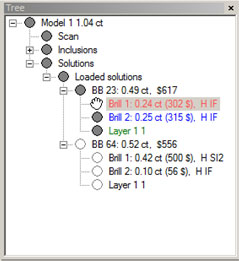
To show solutions list click over Solutions in Tree panel:
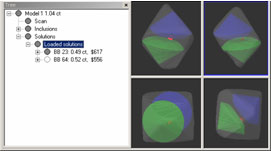
By default you see only one solution in Scene at a time - the solution you selected in Tree.
To show a solution expand it on Tree. Solutions include allocated diamonds and saw layers.
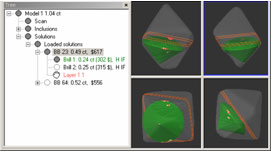
To hide any object of solution use Alt click.
To show / hide inclusions:
- Expand inclusions in Tree panel
- Click over different inclusions in Tree panel
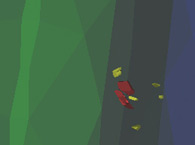
- Inclusion is highlighted (becomes more bright) in the scenes
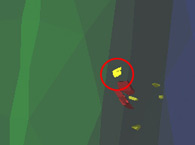
- To hide this inclusion in scenes (not shown) click mouse over the gray circle icon near the inclusion and hold Alt key the same time
- The inclusion is hidden (the icon becomes hollow circle)
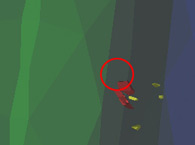
- Next Alt-click over it will make inclusion visible again
Oxygen Microscope workspace
| 














